Premium customers: earn 20% a year on a 3-month Locked Savings plan. Limited availability. Learn more.


How To Pay Your Apple Music Subscription In Nigeria
When your Nigerian cards don’t work on the App Store, this is your next move to pay for Apple Music.

Paying an Apple Music Nigeria subscription can be unnecessarily difficult because most Nigerian cards don’t work on the Apple App Store, but you can pay easily with MTN airtime.
First, buy MTN airtime on your Kuda app:

1. Sign in to your Kuda app, then tap Pay.
2. Tap Buy Airtime.
3. Type in ₦1000 as the amount of airtime you want to buy.
4. Choose MTN as your network.
5. Type in your MTN phone number.
6. Tap Next.
7. Confirm your airtime purchase with your Kuda transaction PIN, fingerprint or Face ID.
Once you’ve topped up your MTN line, use any of the following options to subscribe:
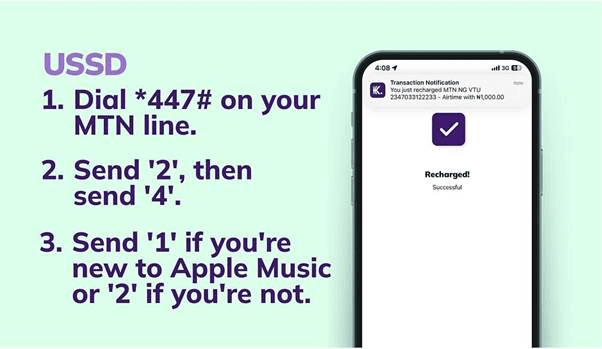
USSD
1. Dial *447# on your MTN line.
2. Send ‘2’ for New services.
3. Send ‘4’ for Apple Music.
4. Send ‘1’ for a six-month free trial if you’re new to Apple Music, or send ‘2’ to renew an existing subscription.
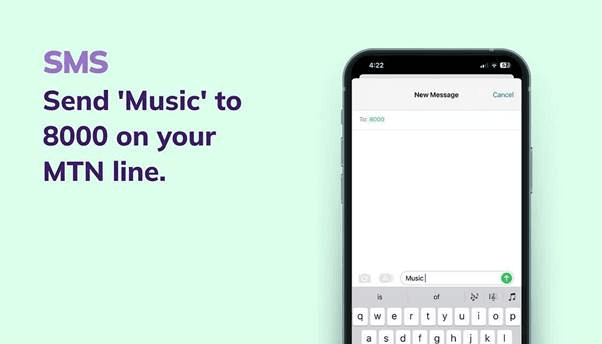
SMS
Send ‘Music’ to 8000 on your MTN line.
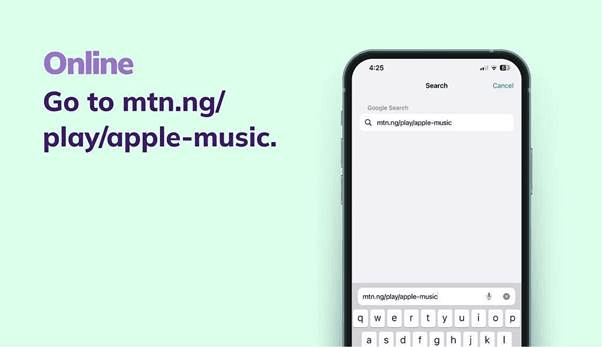
Online
Go to MTN Play.
Important Details
1. Look out for a text message on your MTN line that’ll ask you to confirm your subscription.
2. If you’re new to Apple Music, you won’t be charged for the first six months of your subscription.
Ready to simplify your payments?
Download the Kuda app now to start paying for Apple Music, buying airtime, and managing your money—all in one place. It’s fast, free, and easy.
Other Subscriptions to Pay with Your Kuda Card
From Netflix and Prime Video to Spotify and Apple Music, your Kuda Visa Card is perfect for seamless streaming service payments.