Spend+Save now pays 9% yearly interest to Premium users! Learn more here


Buy electricity online
Recharge your prepaid electricity meter any time on the Kuda app
Meter top-ups are super-convenient on Kuda. Buy units in seconds and get your token by email.


Fully licensed by the CBN

Deposits insured by

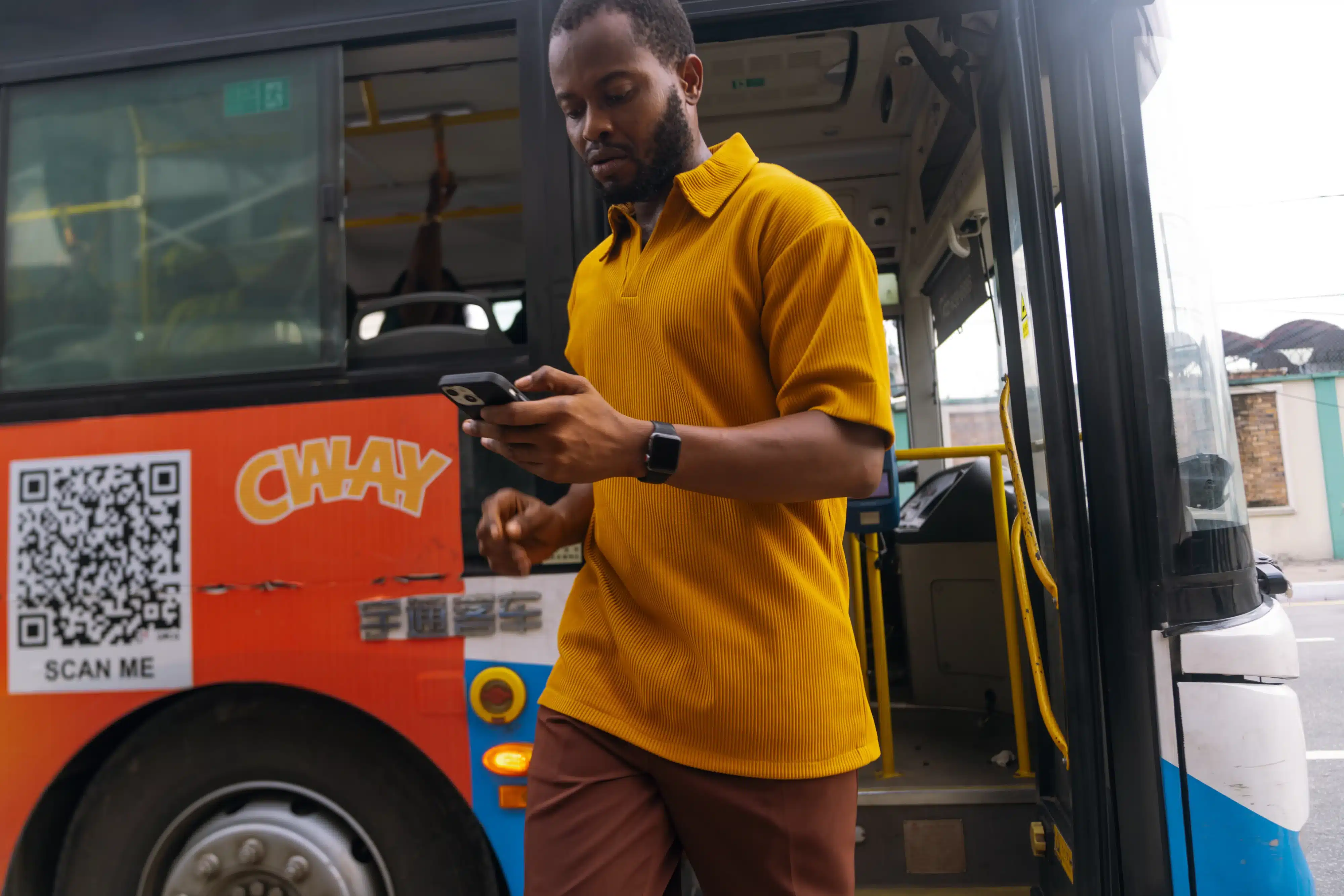

Buy meter units from any electricity distribution company.
Get your meter token by email.
Top up your meter units any time.

Meter units finished at midnight?
Buy more on the Kuda app.
Kuda takes the stress out of recharging your prepaid meter whenever you need to.

Find all major electricity distribution companies on the Kuda app.
Wherever you are, you can buy prepaid meter units from any distribution company in Nigeria.

Electricity Payments FAQs
How do I recharge a prepaid meter on the Kuda app?
To buy meter units on your Kuda app, follow these steps:
– Sign in to your Kuda app, then tap Pay.
– Tap Pay A Bill.
– Tap Electricity.
– Choose your electricity service provider (distribution company).
– Choose the prepaid package.
– Type in your prepaid meter number and the amount of meter units you want to buy.
– Complete your payment with your transaction PIN, fingerprint or Face ID.
– We’ll send your meter token to the email address linked to your Kuda account.
How do I make a postpaid meter payment on the Kuda app?
To buy meter units on your Kuda app, follow these steps:
– Sign in to your Kuda app, then tap Pay.
– Tap Pay A Bill.
– Tap Electricity.
– Choose your electricity service provider (distribution company).
– Choose the prepaid package.
– Type in your prepaid meter number and the amount of meter units you want to buy.
– Complete your payment with your transaction PIN, fingerprint or Face ID.
– We’ll send your meter token to the email address linked to your Kuda account.
Which electricity distribution companies can I buy meter tokens from on the Kuda app?
AEDC – Abuja Electricity Distribution Company
BEDC – Benin Electricity Distribution Company
EEDC – Enugu Electricity Distribution Company
EKEDC – Eko Electricity Distribution Company
IBEDC – Ibadan Electricity Distribution Company
IKEDC – Ikeja Electricity Distribution Company
JEDC – Jos Electricity Distribution Company
KAEDCO – Kaduna Electricity Distribution Company
KEDCO – Kano Electricity Distribution Company
PHED – Port Harcourt Electricity Distribution Company
How do I load my meter token?
To load your meter token, follow these steps:
– Check your email for your meter token.
– On your meter, type in the code on your token, then press the Enter button.
– Your meter should be recharged immediately.
Why am I getting a ‘Reject’ error when I try to load a meter token?
You might be getting a ‘Reject’ error on your meter for any of these reasons:
1. Your meter number is wrong.
You might have typed in the wrong meter number when you were buying meter units on your Kuda app. To confirm that you typed in the right meter number, check the transaction receipt on your Kuda dashboard or check your transaction notification email.
2. Your meter hasn’t been activated.
Every new meter has to be activated before it can accept tokens. To activate your meter, ask your electricity distribution company for an activation code and type in the code on your meter. After this, your meter will accept tokens.
3. Your meter smart card isn’t working.
If you use a smart card meter, the chip on the card might be dirty. To clean the chip, remove the smart card from your meter, wipe it thoroughly with a dry piece of cloth, then put the smart card back into your meter and try to load the token.
4. Your meter isn’t properly connected.
Your meter could be on but not properly connected. To fix this, reach out to your electricity distribution company.
5. Your meter is in tamper mode.
If your meter is in tamper mode, reach out to your electricity distribution company to get a tamper token, load the token, then try to recharge your meter.
6. Your electricity tariff plan has changed.
If the tariff plan in your location has changed, you won’t be able to recharge your meter until it has been reconfigured for the new tariff plan.
To reconfigure your meter, reach out to your electricity distribution company to get a Key Change Token (KTC) which you’ll load on your meter. After this, you’ll be able to recharge your meter.
I’m getting a ‘Link’ error on my meter. What does this mean?
A ‘Link’ error means your meter isn’t connecting to your interface unit (the unit with the keypad). This might be happening for any of these reasons:
1. Your meter doesn’t have power supply.
To fix this, check if there’s electricity in your location. If there’s electricity, check that the phase you’re in has power supply. Make sure your generator or inverter is off, if you own one. Once your meter has power supply, you can load your token.
2. The batteries in your interface unit (keypad) are too weak.
To fix this, replace the weak batteries with new ones, then turn on the unit if it doesn’t come back on automatically.
3. You need to reset your interface unit (keypad).
To reset the interface unit (keypad), follow these steps:
1. If your meter still has units, plug the interface unit (keypad) into a 13-amp socket – usually the socket for an AC, freezer or electric cooker – then turn on the unit.
2. Replace the first four digits of your meter number with ‘5258’, then type the new number into your interface unit (keypad) and press the ‘Enter’ button.
For example, if your meter number is 123456789, you’ll replace ‘1234’ with ‘5258’, so the new number you’ll type in will be 525856789.
3. Load your meter token like you normally would.
Download the app
Join the millions of people who use Kuda to spend, save, borrow, and get more from their money every day.