Premium customers: earn 20% a year on a 3-month Locked Savings plan. Limited availability. Learn more.


Meet the new Kuda app, built for more
Aug 7th, 2026
Around seven years ago, a small team set out to transform banking for Nigerians. Today, Kuda is the bank that helps you get more from your money, and more for your life.
As we’ve grown, so have the people who use Kuda every day. That’s why we’ve given the app a fresh new look and made a few changes to help you find what you need faster and get things done in fewer steps.
The Kuda app now has a cleaner home screen and quicker access to the features you use every day. Nothing you love about Kuda has gone away. We’ve simply made it easier to find, easier to use and easier to enjoy.
Here’s everything that’s changed and where to find it.
Start your day faster
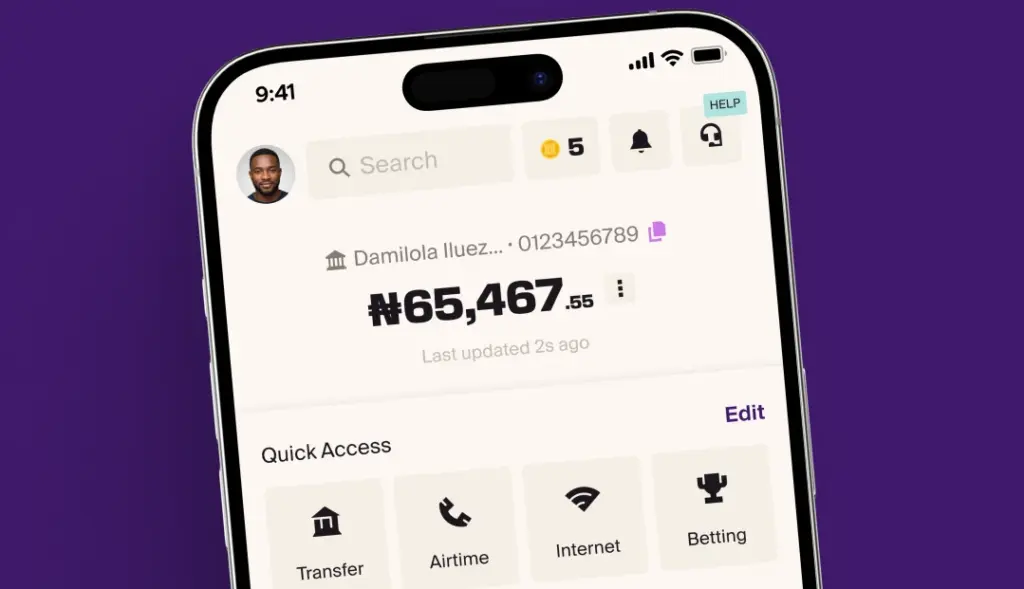
Keeping track of your money should feel simple. Your home screen now gives you a better view of what’s happening with your money without making you jump between different pages.
On your home screen, you can:
- See a quick summary of your savings and investments or hide it if you prefer to
- Change your profile picture
- Find Cashback and Offers more easily
- Send money and pay bills in fewer steps
- Search for anything on the app
- Open your profile from the top left
- See and manage all your cards
- Check your Inbox from the top right
- Reach out to our support team anytime by tapping the headphone icon
- Save, invest and borrow on dedicated pages
- Find the More section by clicking your profile photo at the top left corner
Whether you’re checking your balance, sending money or paying a bill, everything you need is right where you’d expect it to be.
Saving and investing now work better together
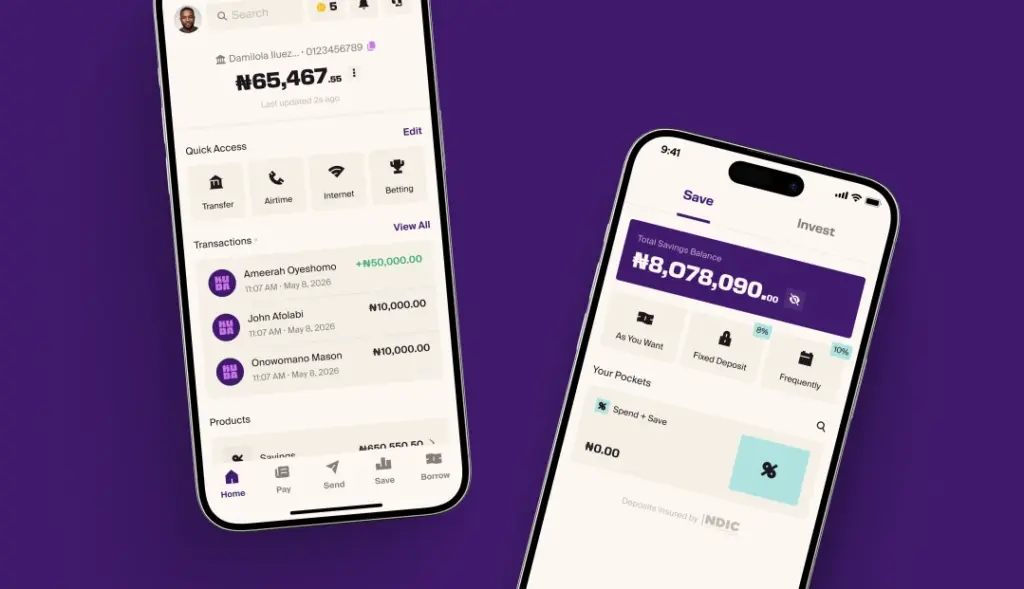
Saving and investing usually go hand in hand, so we’ve brought them together.
You can now see your savings and investments on the same screen, making it easier to keep track of your progress.
Do the little things quicker
Sometimes it’s the little things that make the biggest difference.
Need to add money?
Hide your balance while you’re out?
Share your account details?
Download your account statement?
Just tap the three dots next to your account balance.
You’ll find these quick account actions in one place so you can get back to living life.
Why we made these changes
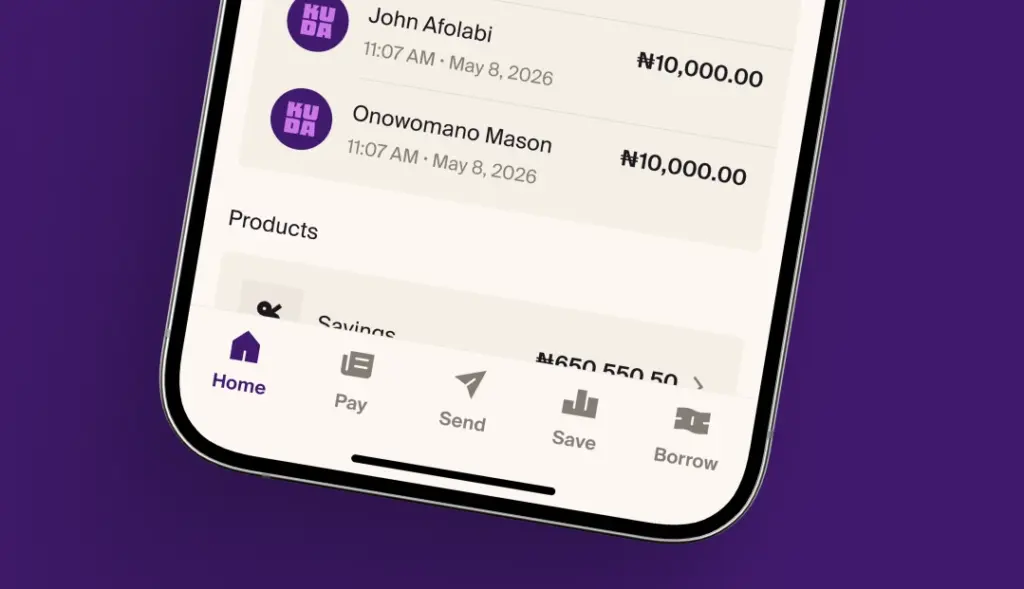
We redesigned the Kuda app to help you find things quicker, make fewer taps, and feel lighter overall. We want you to give you more time and fewer things to think about, so you can get on with living life.
Where did Save go?
It has its own page now. Tap Save at the bottom of your screen and you’re there.
Where did Borrow go?
Tap Borrow at the bottom of your screen.
Can I still find everything I could before?
Yes, nothing is missing. We just arranged things better. If you’re ever unsure where something moved, search for it right from your home screen, or tap the headphone icon and we’ll point you the right way.