Premium customers: earn 20% a year on a 3-month Locked Savings plan. Limited availability. Learn more.


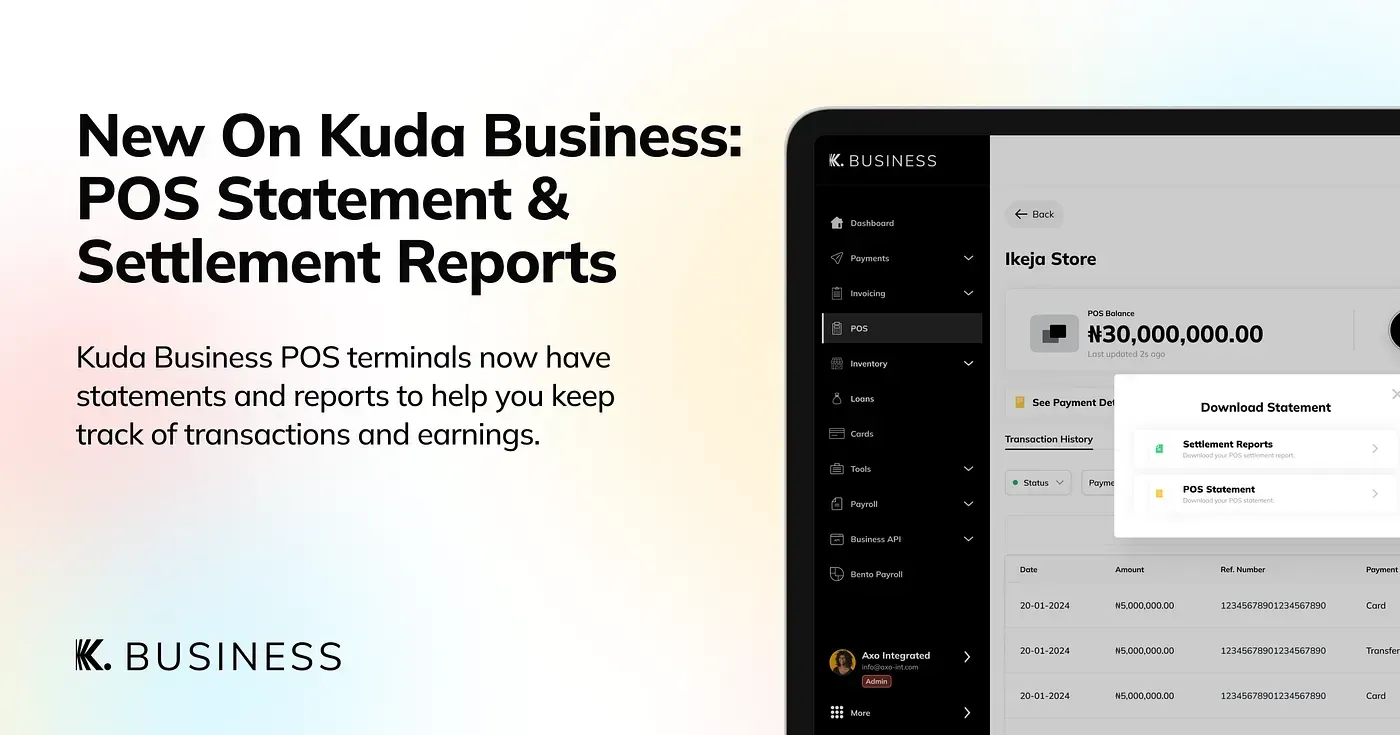
New On Kuda Business: POS Statement And Settlement Report
Kuda Business POS terminals now have statements and reports to help you keep track of transactions and earnings.

Running a business means keeping track of payments, but when multiple transactions happen daily on your Kuda Business POS, things can get confusing: Who paid? When did they pay? How much did you actually receive after fees?
Kuda Business POS Statement and POS Settlement Report will help you keep track of POS payments easily.
What’s a POS statement?

A POS statement gives you a clear overview of all your POS transactions so you can track every sale you make.
To get a POS statement, follow the steps below:
1. Tap POS in the top right corner of your app dashboard, then choose the POS you want to get a statement or report for.
2. Find POS Transaction History, then tap See More.
3. Tap the download button, then choose POS Statement.
4. Set the time frame.
5. Choose PDF or Excel.
6. Tap Get, and we’ll send the statement to the email address linked to your Kuda Business account.
What’s a POS settlement report?
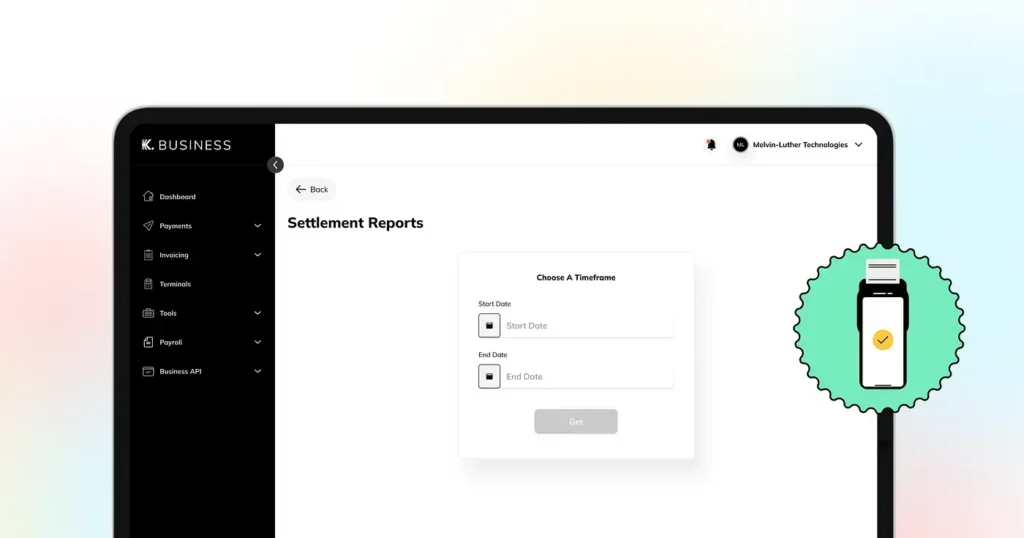
A POS settlement report breaks down each POS transaction, showing the payment, the exact fees deducted, and the final amount settled into your account. This makes account reconciliation very easy.
To get a POS settlement report, follow the steps below:
1.Tap POS in the top right corner of your app dashboard, then choose the POS you want to get a statement or report for.
2. Find POS Transaction History, then tap See More.
3. Tap the download button, then choose POS Settlement Report.
4. Set the time frame.
5. Tap Get to download the report.
If you have any questions about POS statements and reports, just chat with us on your Kuda Business app.
Cheers to big business! 🥂